
You have a great interaction with a customer, ask them to leave a review, and they leave one right in front of you. A few days (or even moments) later, you check your Google Business Profile only to find that the review never appeared. It’s frustrating, confusing, and feels like your hard work is vanishing into thin air.
You’re not alone, it’s a common issue, and usually not your fault. This article will help you understand why this happens and give you a clear action plan to protect your reputation.
The Invisible Gatekeeper: Google's Automated Filters
Google uses sophisticated algorithms to fight spam and fake reviews. While this is great for keeping profiles authentic, they have been over-filtering and removing legitimate reviews by mistake lately.
The most common reasons a genuine review might get filtered or removed include:
- Reviews from new Google accounts: if a customer rarely leaves reviews and has a new or inactive account, Google might flag their contribution as suspicious.
- Multiple reviews from the same network/device: if several reviews are posted from the same IP address (like your shop's WiFi) or device, Google may suspect coordinated activity and remove them.
- Overly generic or repetitive content: reviews that look copy-pasted (even if they're genuine) can trigger the filter.
- A sudden surge in reviews: an unusually high number of reviews in a short period can look unnatural to Google.
.png)
What To Do: How to Protect Your Reviews
While you can't control Google's algorithm, you can guide your customers to leave reviews that are more likely to stick.
- Encourage reviews from signed-In Google accounts: The most straightforward way to establish the credibility of a review is to have it come from a user with an active Google account. Explain to your customers how the review system works, and encourage them not only to leave a review for your business but also for others.
- Ask for specific, natural comments: Instead of a generic "Great service!", encourage customers to mention a specific detail, it could be a staff member's name, the service they received ("loved my haircut"), or the product they bought. This makes the review look authentic and human.
- Space out your requests: Avoid asking all your customers to leave a review on the same day. A steady, consistent flow of reviews appears more natural than a sudden spike.
- Use a direct, clean link: Make the process easy for customers by providing a direct link to your review form.
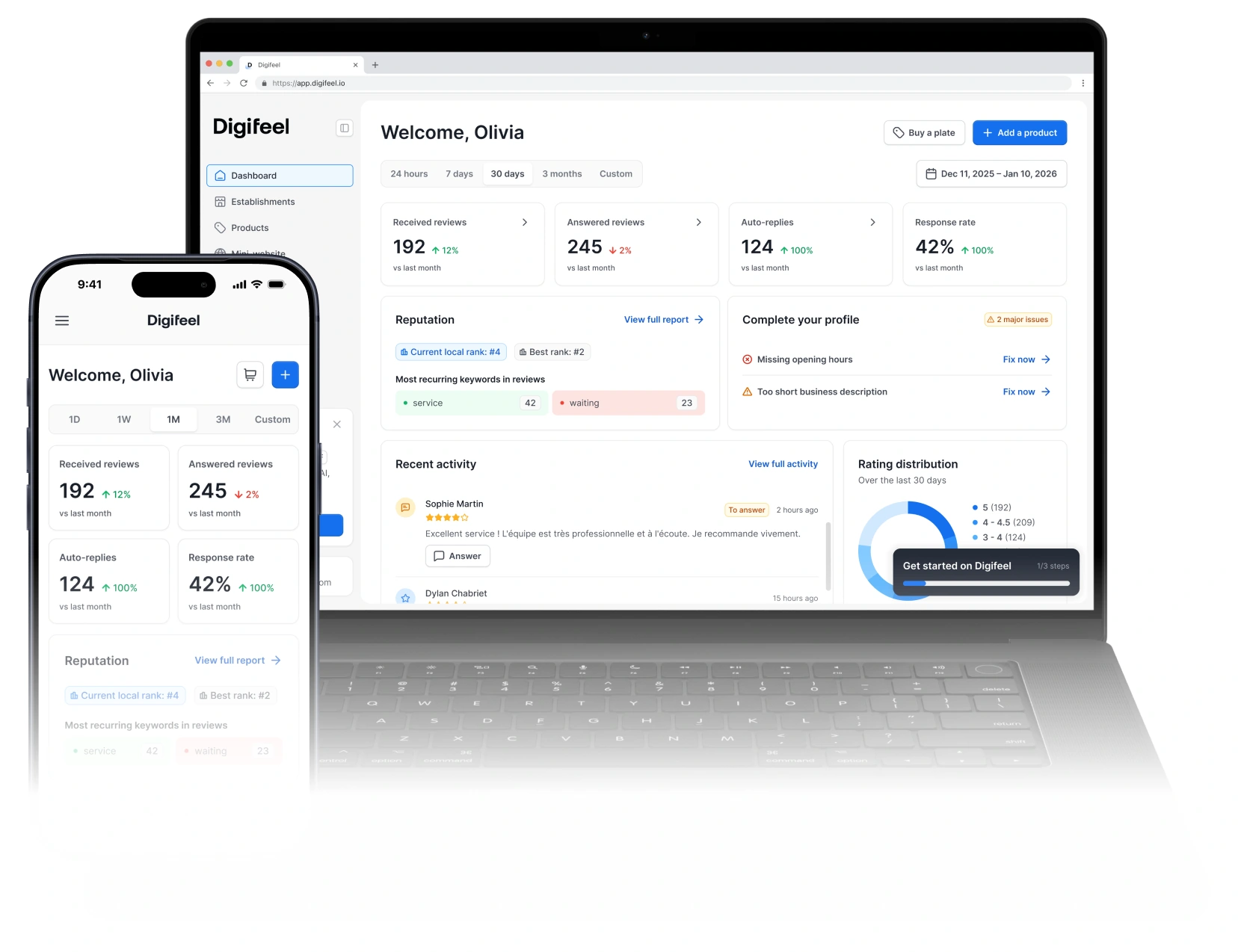
Digifeel's review request links are designed to open the official Google review form seamlessly, reducing friction and the chance of errors.
With the Digifeel NFC plates, your customers can get to your review page with a simple tap.
Don't let the fear of disappearing reviews stop you from building your online reputation. By understanding why reviews vanish and implementing these simple steps, you can significantly increase the chances that every happy customer's voice is heard.